Beginner Arduino Projects
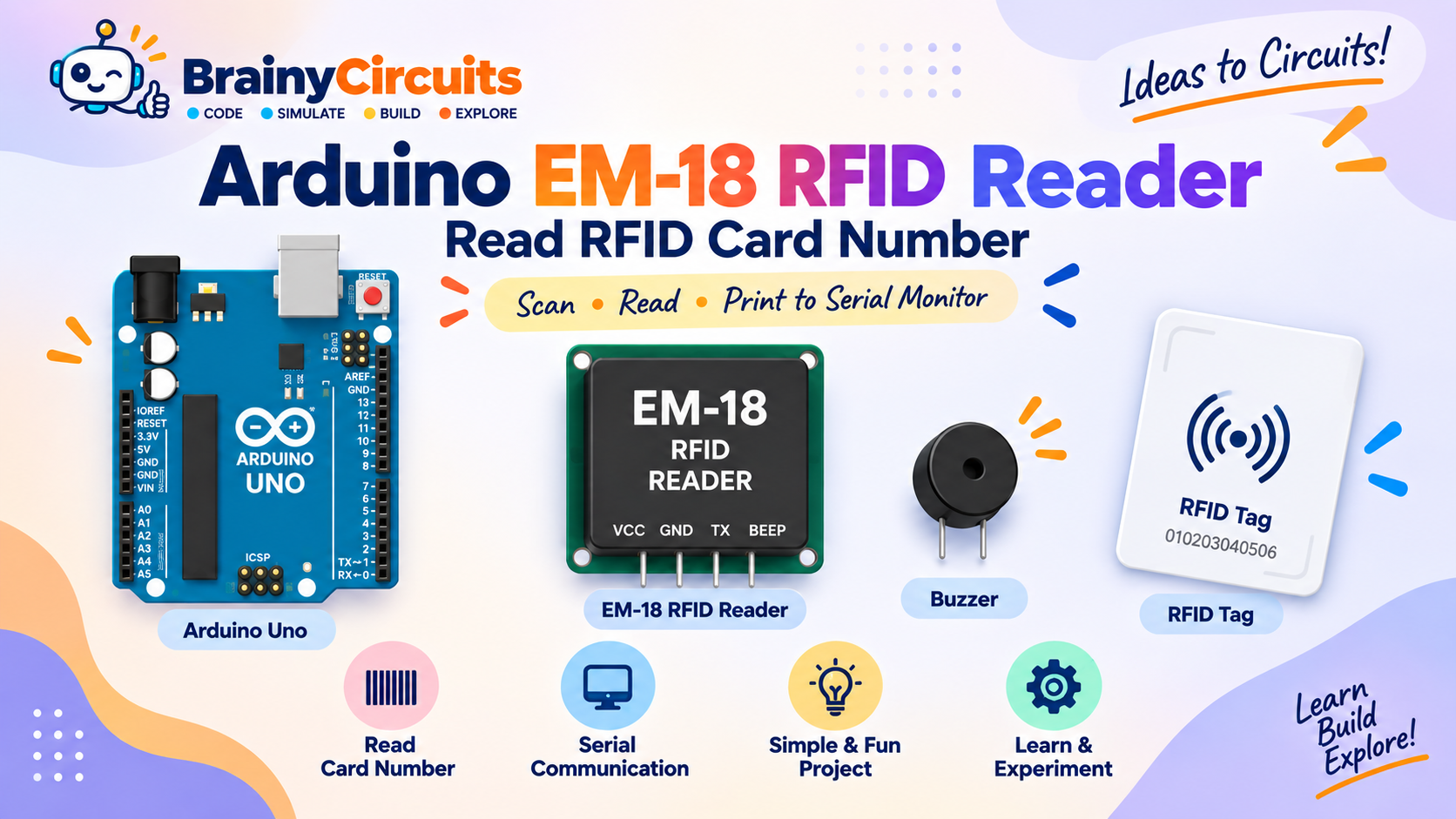
Arduino EM-18 RFID Reader: Read RFID Card Number
Try it yourself
Open the live circuit and code — run it right in your browser.
You'll be asked to sign in first — it's free.
🎯 Aim
Learn how to interface an EM-18 RFID reader with an Arduino Uno and read an RFID tag's card number through serial communication. The received RFID data is displayed on the Arduino Serial Monitor.
📖 Background Story
RFID, or Radio Frequency Identification, allows electronic devices to identify objects using radio waves. RFID is widely used in access control systems, attendance systems, inventory tracking, identification cards, and many other applications.
In this project, we use an EM-18 RFID reader module with an Arduino Uno.
The EM-18 continuously looks for compatible RFID tags placed near its antenna. When a tag is detected, the reader sends the tag's identification number as serial data.
Instead of connecting the RFID reader to the Arduino's main hardware serial pins, this project uses the SoftwareSerial library to create a separate serial communication channel.
The EM-18 transmitter (TX) is connected to Arduino digital pin 10. The Arduino receives the characters sent by the RFID reader and forwards them to the Serial Monitor.
When an RFID tag is brought near the reader, its card number appears on the Serial Monitor.
This project is a simple introduction to serial communication and is an excellent starting point for building RFID-based systems such as electronic door locks, attendance systems, identification systems, and access-control projects.
🧰 Components Used
- ● Arduino Uno R3
- ● EM-18 RFID Reader
- ● RFID Tag
- ● Buzzer
🔌 Circuit Diagram
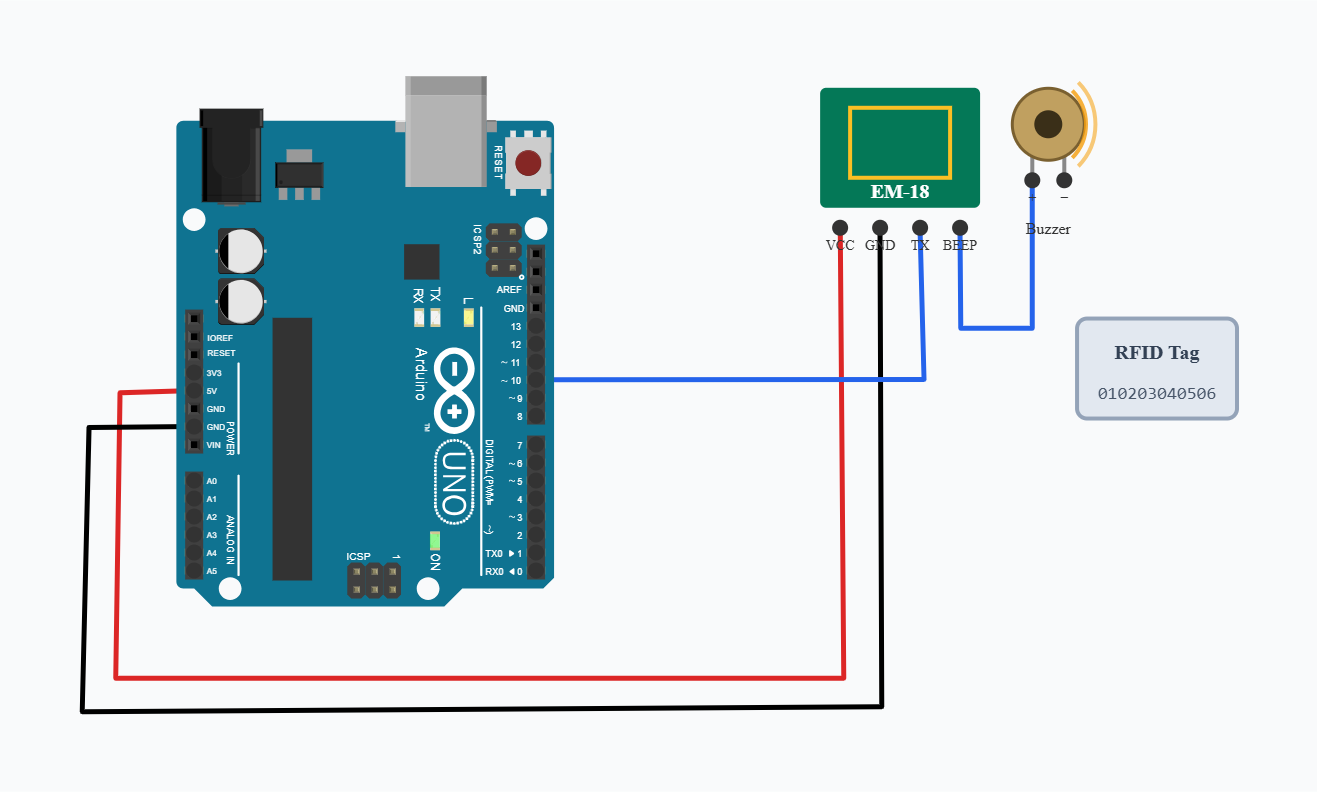
Connect the EM-18 RFID reader to the Arduino Uno as follows:
EM-18 VCC → Arduino 5V
EM-18 GND → Arduino GND
EM-18 TX → Arduino digital pin 10
The EM-18 TX output carries the RFID tag data to the Arduino.
The EM-18 BEEP output is connected to the buzzer so that the reader can provide an audible indication when a tag is detected.
The RFID tag is placed near the EM-18 reader to allow the reader to detect it.
The Arduino's USB connection provides the Serial Monitor connection used to display the received RFID card number.
💻 Code
SoftwareSerial mySerial(10, 11); // RX, TX

int count = 0;

void setup() {
  Serial.begin(9600);
  mySerial.begin(9600);

  Serial.println("Ready to scan!");
}

void loop() {

  while (mySerial.available()) {

    char c = mySerial.read();

    Serial.print(c);
    count++;

    if (count == 12) {
      Serial.println();
      count = 0;
    }
  }
}
💬 Comments (0)
Sign in to leave a comment.
Be the first to comment on this project.