Beginner Arduino Projects
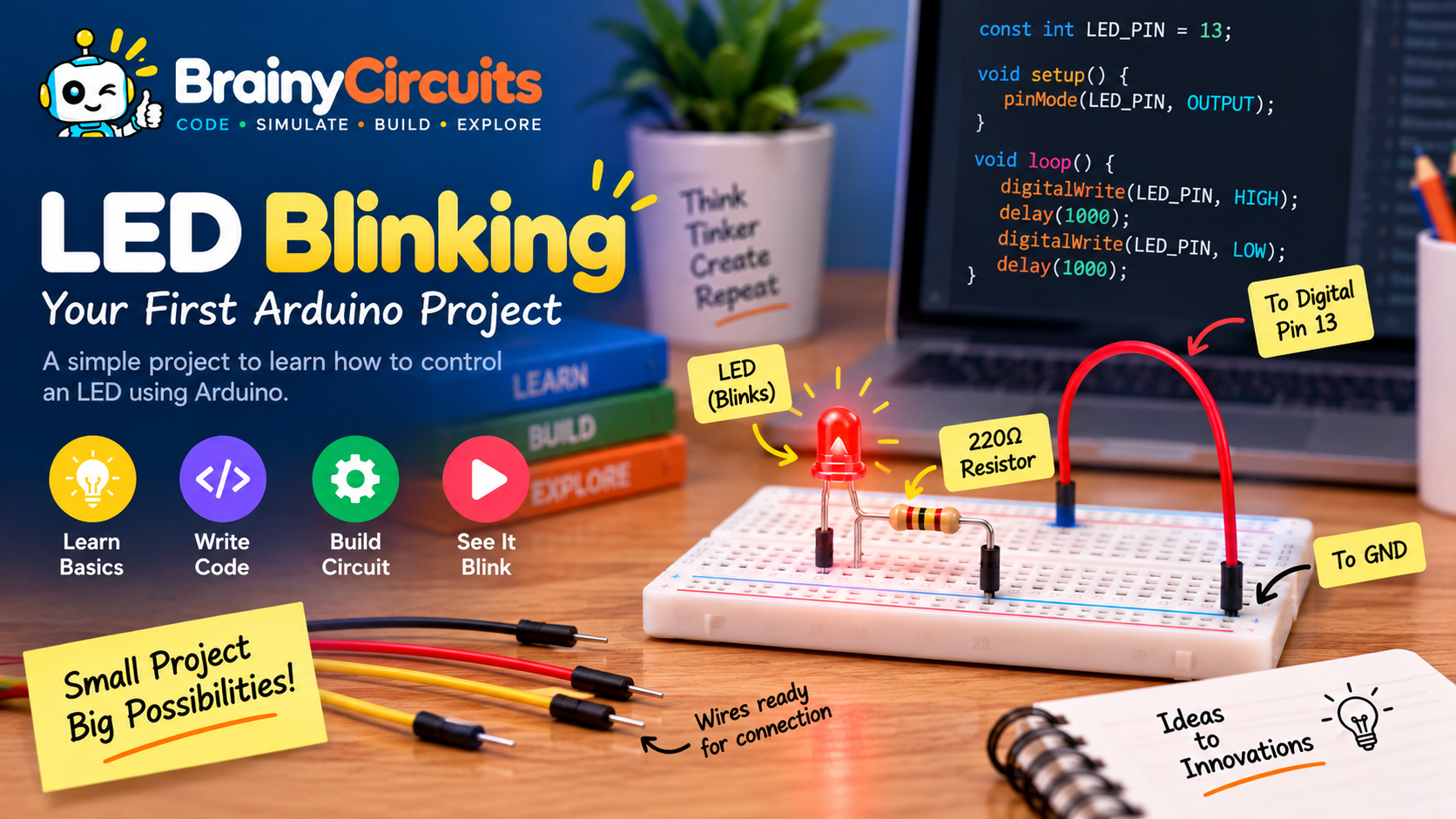
Arduino LED Blinking – Your First Arduino Project
Try it yourself
Open the live circuit and code — run it right in your browser.
You'll be asked to sign in first — it's free.
🎯 Aim
Learn how to control an LED using an Arduino Uno by building and simulating a simple LED blinking circuit. In this beginner-friendly project, you will learn how digital output pins work, how to connect an LED safely using a resistor, and how Arduino code can control an electronic component.
📖 Background Story
What is the first thing you want to make when you get your hands on an Arduino?
For many young tinkerers, it is a blinking LED.
It may look simple, but that tiny blinking light is the beginning of something much bigger. Behind it is an Arduino making a decision, sending an electrical signal through a circuit, and controlling a real electronic component.
In this project, you will build your first Arduino-controlled circuit and make an LED blink on and off at regular intervals.
You will also discover an important idea in electronics and programming: software can control the physical world.
With Brainy Circuits, you don't need a physical Arduino board or electronic components to get started. Build the circuit virtually, write the code, run the simulation, and experiment with it directly in your browser.
Try changing the delay. Make the LED blink faster. Make it blink slowly. Can you create your own blinking pattern?
This simple experiment is your first step toward building more exciting things with Arduino.
🧰 Components Used
- ● Arduino Uno
- ● LED
- ● 220Ω Resistor
- ● Breadboard
- ● Jumper Wires
🔌 Circuit Diagram
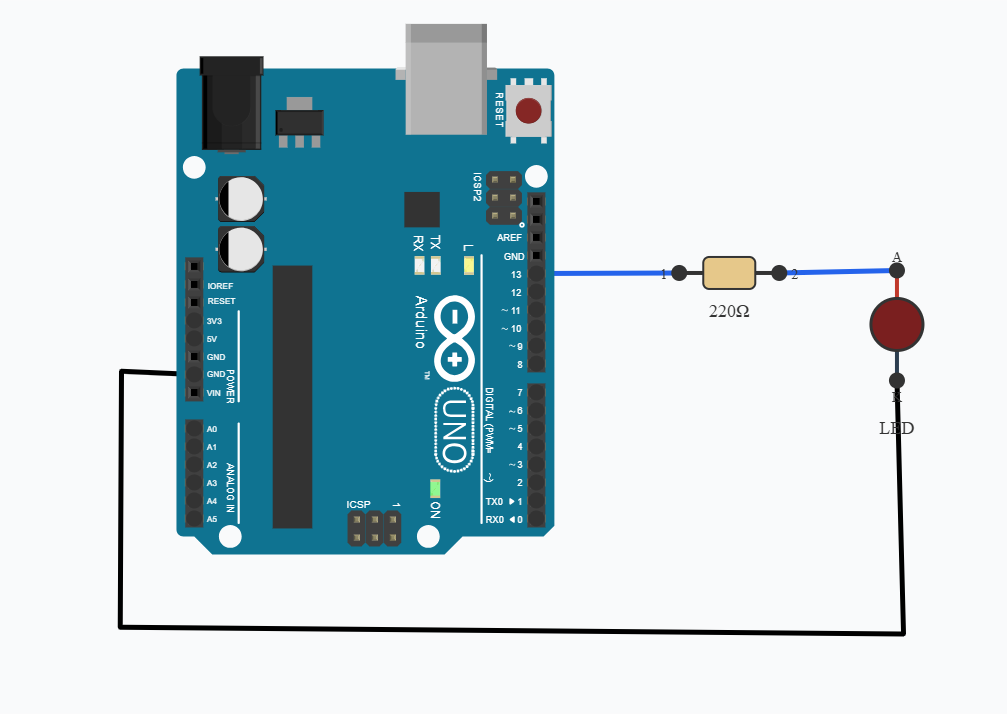
Connect the longer leg (anode) of the LED to Arduino digital pin 13 through a 220Ω resistor.
Connect the shorter leg (cathode) of the LED to GND.
The resistor limits the current flowing through the LED and helps protect it.
When the Arduino sets pin 13 HIGH, current flows through the LED and it turns ON. When the Arduino sets the pin LOW, the LED turns OFF.
The Arduino repeatedly switches the pin between HIGH and LOW with a short delay between each state, creating the blinking effect.
💻 Code
void setup() {
      pinMode(13, OUTPUT);
}


void loop() {
      digitalWrite(13, HIGH);
      delay(1000);
      digitalWrite(13, LOW);
      delay(1000);
}
💬 Comments (0)
Sign in to leave a comment.
Be the first to comment on this project.